One click and you are in
Login with Facebook Login with GoogleGuitarTabsExplorer.com is the place to look for bass and guitar tabs, but what if the song is new and have never been tabbed before? Open up a new text document and start to tab it yourself, and when finished, submit it to our growing collection.
Before you start to write your own bass and guitar tabs you should check out the article how to read tabs. There are some good examples there on what to do and what not to do. Each line in a tablature is one string, so the bass tabs have four strings while tablatures for guitar six.
Remember that you can not use a text editor like Word or Open Office when editing tabs. The reason for this is that each letter doesn't have the same width in such software. Instead open the templates in Notepad or similar program.
To do it a bit faster, press the Insert button to put on overwrite mode and type in your numbers (notes). If this method does not work, put in the number and then press the Delete button to clear out the line in front of the number. Good looking tabs are more fun to play.
We have made some templates to make the start easier. You can download them here.
Don't forget to submit your new guitar and basstabs to GuitarTabsExplorer.com. Submit bass and guitar-tabs here.
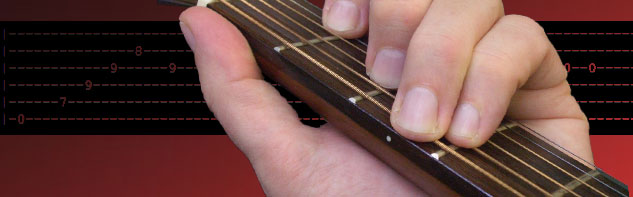
The guitar tabs should be viewed with a square font. This is a font where the letter W and the ... More.
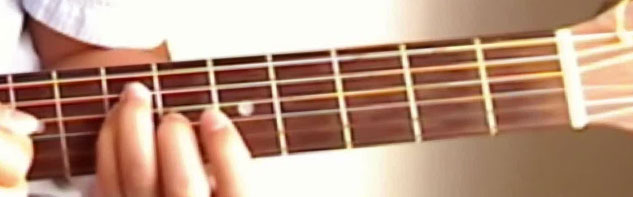
A list of more than 1000 guitar chords, all sorted A to Z for easy navigation. You will also fi... More.
You need to tune your guitar to make it sound good. Here is a good start with simple instructio... More.